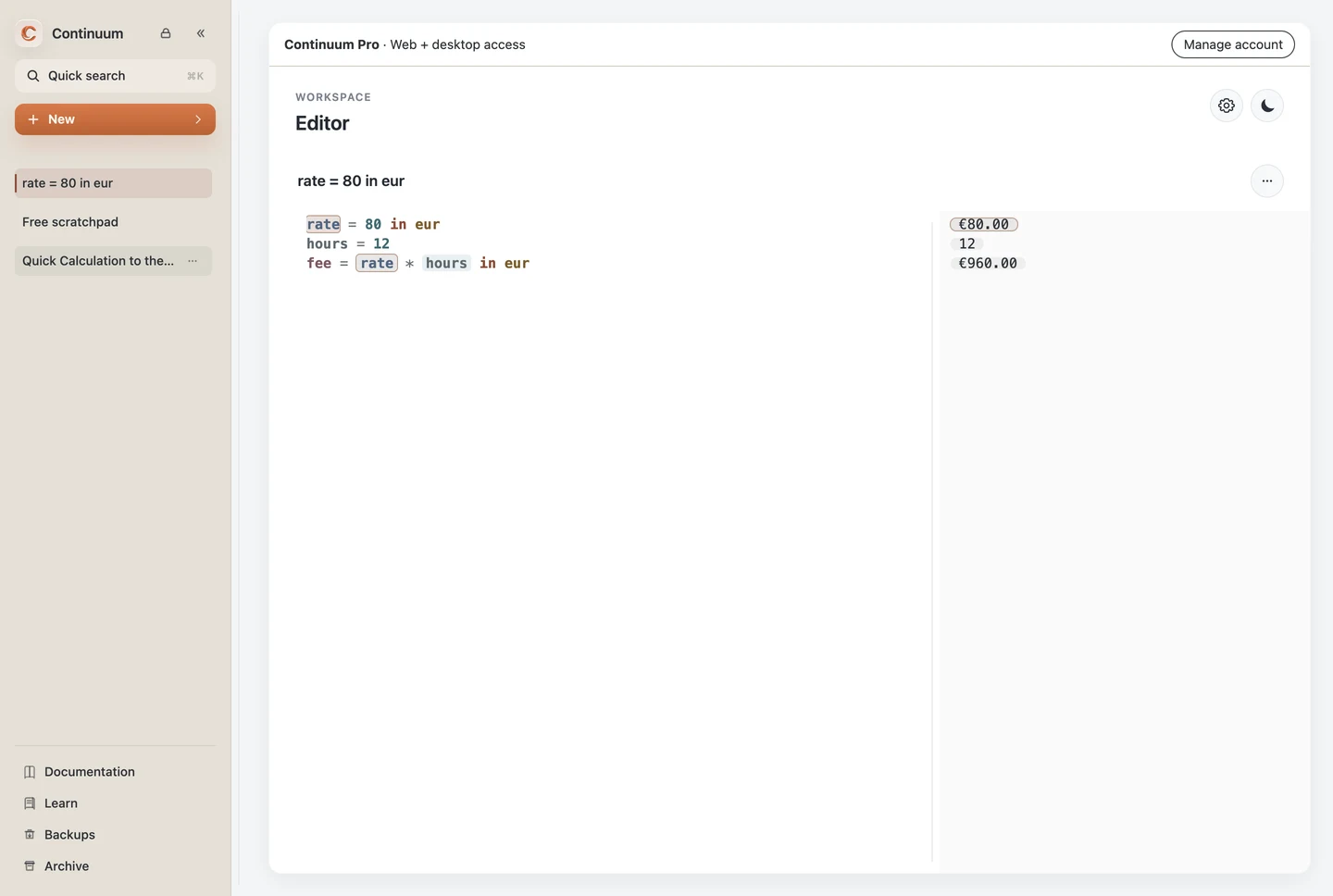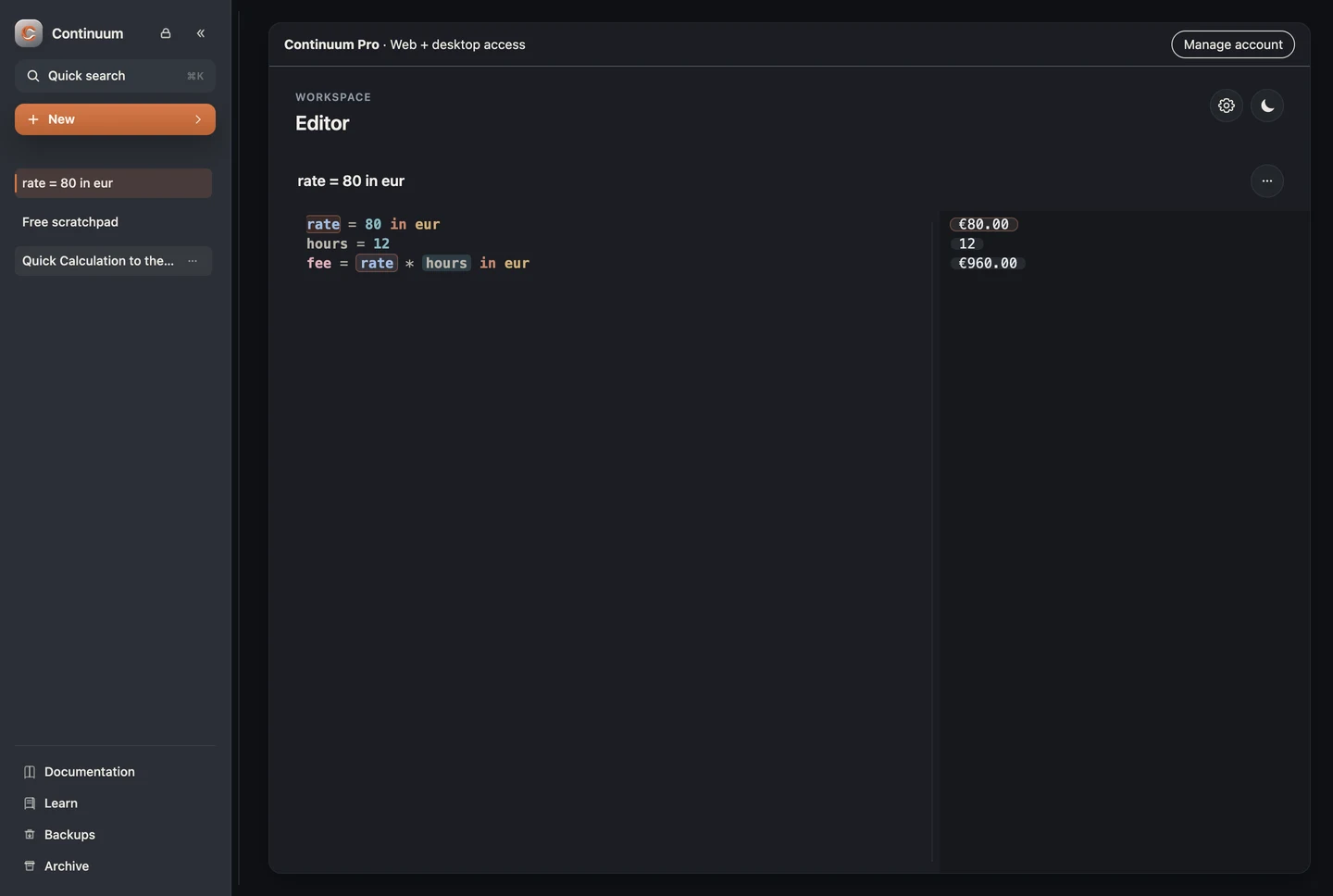
Continuum Companion is the local macOS and Windows experience built around Pocket Scribe, a small always-available calculation surface and a full Continuum workspace.
Pocket Scribe
The desktop app starts with the Dock hidden and the mascot visible above normal windows. Click the mascot for Quick Calculation, drag it to reposition it, or right-click for the native menu—including Documentation. Position restores across launches and is clamped when display geometry changes.
Pocket Scribe uses calm idle, evaluating, success, and error states. Expression, line color, and motion communicate status; reduced motion keeps the distinctions without animation.
Quick Calculation
Quick Calculation reuses the production parser, evaluator, semantic styling, autocomplete, dependency-aware result chips, and formatted output. It is intentionally a focused scratchpad: advanced template source remains intact, but rich previews open in the full workspace.
The panel can be resized, scaled from 80% to 160%, themed, hidden with Escape, and expanded with Cmd/Ctrl + Enter.
Draft stack
Calculations opens the local stack of saved quick drafts. Each draft has its own editable title, source, and linked workspace document. Create, switch, and delete drafts without overwriting the others.
Workspace handoff
Pocket Scribe, everyday Quick Calculation, and the saved local draft stack are included in Free in the desktop apps without an account. Free expansion appends a calculation to the existing free scratchpad, preserving its contents. Quick drafts remain independent. Templates, Composer, and multiple workspace documents require Pro.
With Pro, the first expansion creates a root-level document. Quick Calculation, the full editor, and linked canvas calculators then share that document. Changes and titles refresh across these surfaces; reopening or expanding an unchanged draft does not replace newer saved text. Pending edits are saved before a handoff or draft switch. This is synchronization within the local app, not cloud synchronization between devices.
If two edits conflict, the saved document is kept and the divergent edit is preserved once as a labeled recovery copy, with links to both versions. A deleted or archived target leaves an independent draft rather than silently restoring the document. Divergent older drafts are also preserved during migration. If saving fails, the unsaved text remains available.
Results align with their declarations. Click a result to reveal its source; use Copy separately. Variable inspection and Pin to canvas use the same behavior as the full editor.
Desktop boundaries
Packaged pages use the secure continuum://app origin with sandboxed renderers, context isolation, disabled Node integration, and a narrow preload bridge. Untrusted navigation is blocked; external web links go to the system browser.
Desktop data is separate from the hosted browser app and development origin. Continuum is available as a signed and notarized Apple Silicon macOS app and an x64 Windows app. The Windows installer is currently unsigned. Automatic updates, launch at login, and Intel macOS are not currently production features. Linux Debian packages are also available.
Formula discovery in Quick Calculation
Quick Calculation shares the editor's local contextual autocomplete. Type a calculation prefix or press Ctrl+Space / Alt+I to see descriptions, guided inputs, and evaluator-backed result previews. Ordinary formulas work in Free; template authoring follows existing Pro access. Use Open in Continuum to continue the same source in the full workspace.